Android, Linux and Windows kiosk management
Pair Android displays, Linux kiosk players and Windows clients, organize screens by customer, location or device group, and control playback without visiting each screen.


Cloud-managed kiosk and digital signage platform for Linux PC, Android displays, Windows clients, and future ARM devices.
Control screens, schedule playlists, monitor devices, and keep media running even when the internet drops.
Built for managed signage networks, client accounts, web applications, payment terminals, and remote screens.
JSNET Kiosk is a cloud kiosk and digital signage platform for centrally managed business screens on Android displays, Linux kiosk players, Windows clients and future ARM devices. It combines device management, content publishing, playlist scheduling, offline playback, AI Audience Detection, AI Content Creator and remote monitoring in one web dashboard.
Pair Android displays, Linux kiosk players and Windows clients, organize screens by customer, location or device group, and control playback without visiting each screen.
Create playlists from URLs, images and videos, then schedule content by device, group, tenant, day and time for advertising campaigns and information screens.
Preload uploaded media to supported devices so screens can continue playing cached images and videos when internet connection is unstable.
Monitor online and offline status, health telemetry, screenshots, command history and remote actions such as reload, clear cache, open URL, preload playlist and restart app.
Run multi-client kiosk operations with tenant admins, active plans, device limits, storage limits, playlist limits and content preset limits.
Use local AI on supported Linux kiosk players to detect visitor presence, group mode and audience buckets, then switch to the right playlist without storing face identity.
Create screen-ready promotional content, menu boards, product ads and campaign ideas inside the backend, then use generated content in kiosk playlists.
Publish app releases, pair devices securely, manage installation flows and keep kiosk apps updated from the cloud dashboard.
Direct product pages for Android kiosk mode, Linux kiosk players, digital signage, restaurant menu boards and remote screen management.
Comparison pages are connected to the main site, not isolated dark pages.
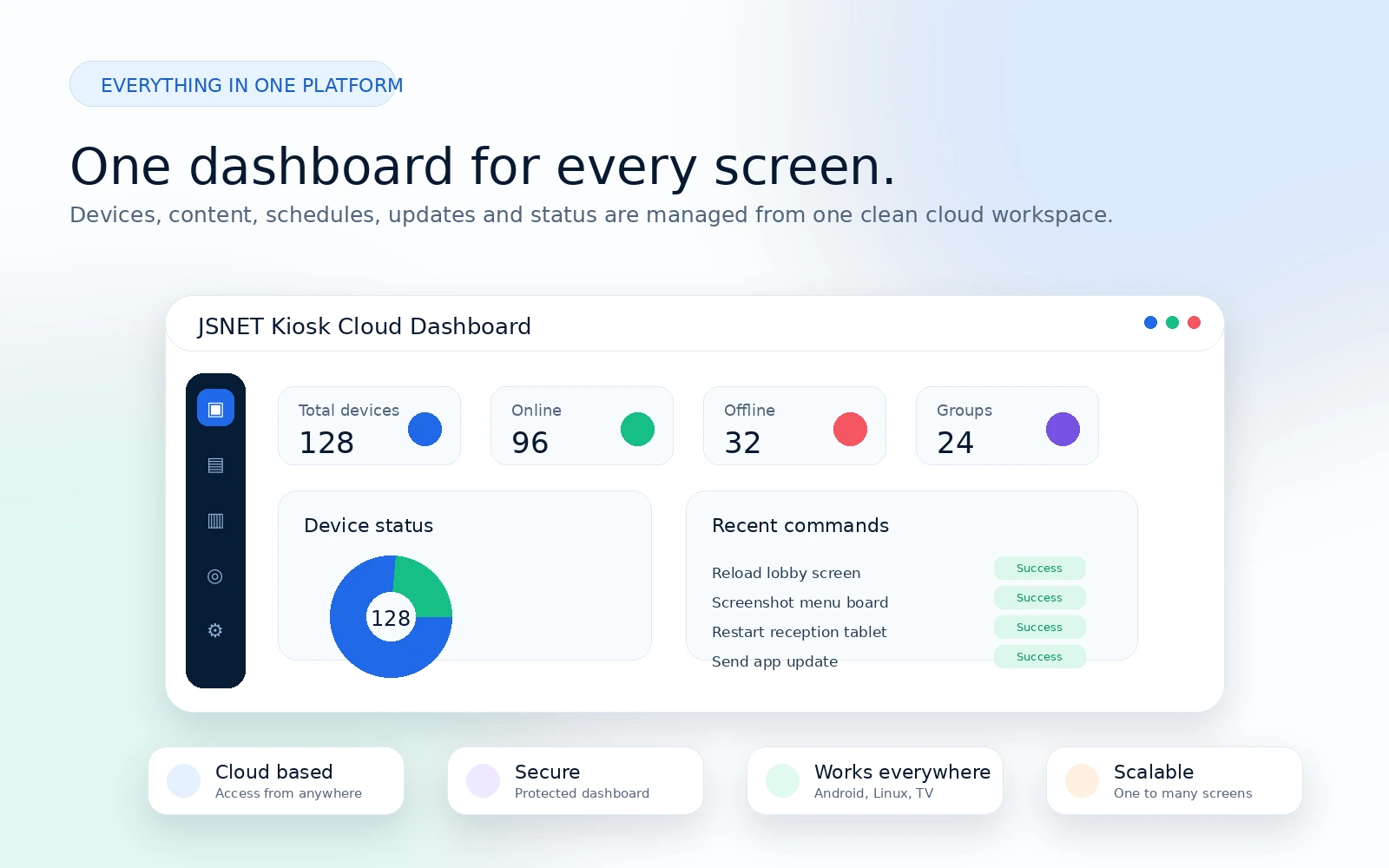
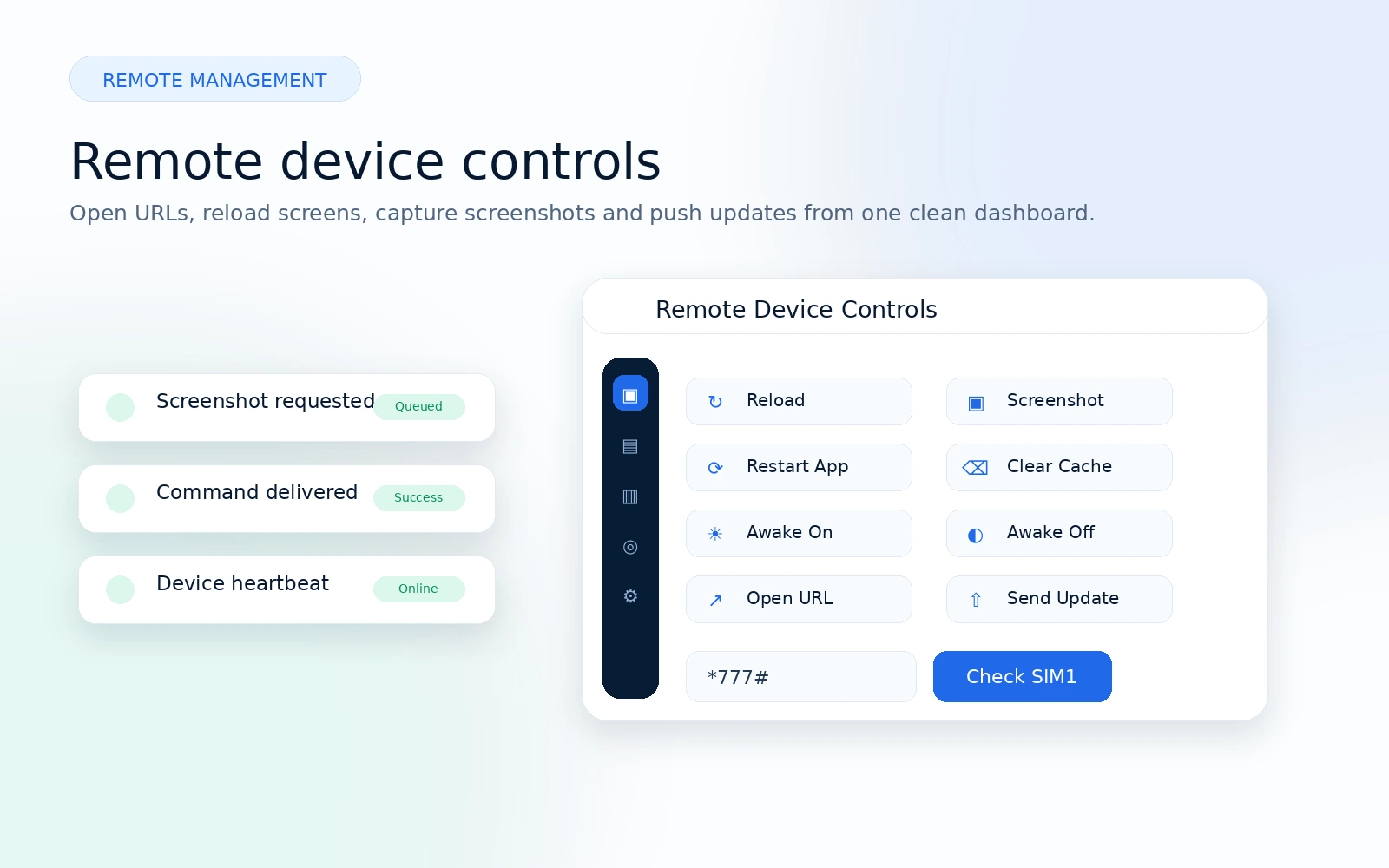
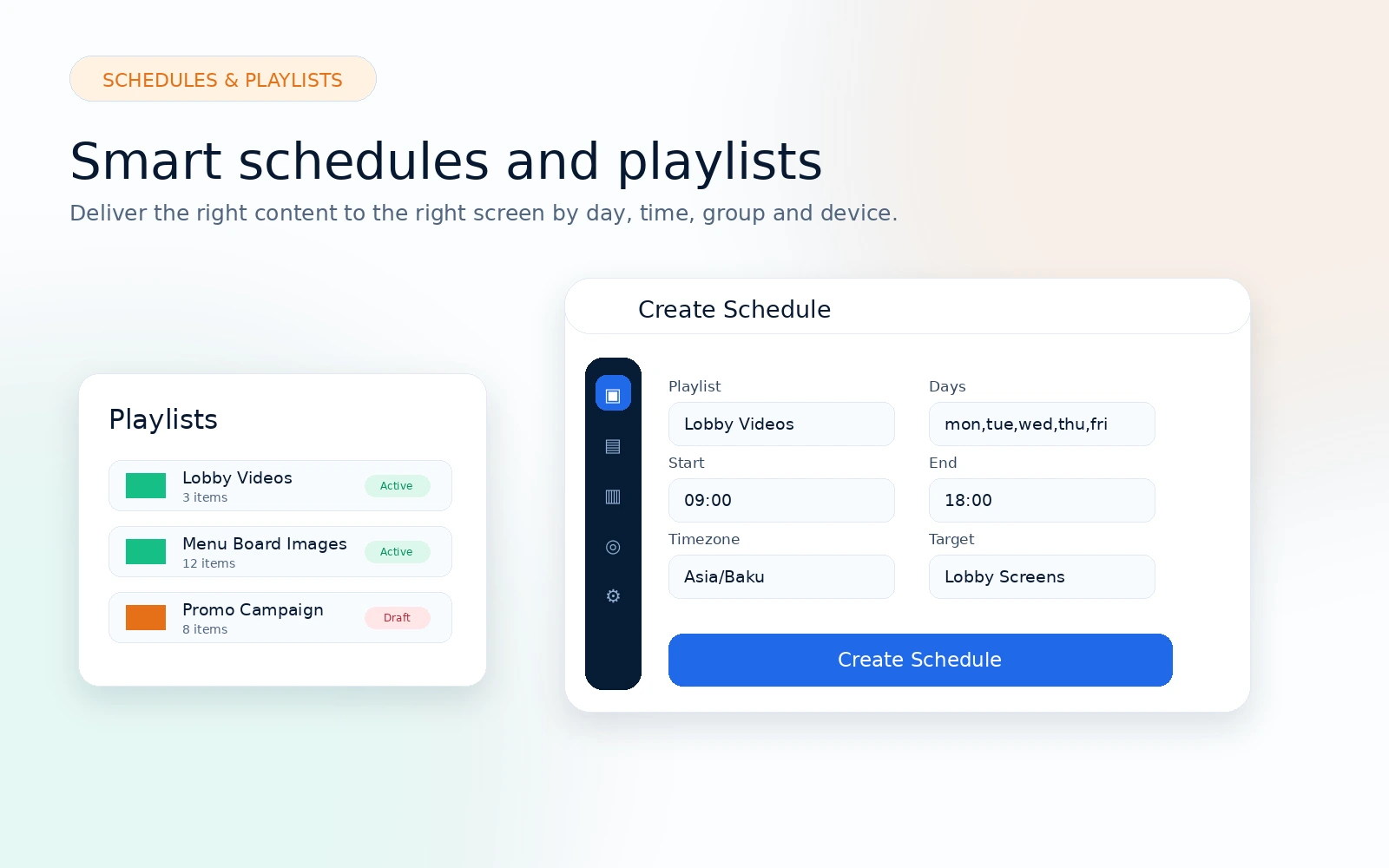
A clean product overview with generated visuals for dashboard, remote controls, schedules and kiosk player features.
JSNET Kiosk can detect when a visitor approaches a screen and automatically switch the display to a matching advertising playlist. A Linux kiosk player with a local camera can select content for male visitors, female visitors, groups, no-audience mode, default ads and child-safe playback without storing face identity.
The kiosk camera checks if someone is standing in front of the display and starts the audience targeting flow.
The device chooses an audience bucket such as male, female, group, audience present or no audience.
The screen changes to the matching promotional playlist while fallback content stays ready for offline playback.
Admins can monitor device status, active playlist, audience state, screenshots, health and remote commands.
Publish web screens, uploaded media, playlists, and schedules from one lightweight control panel.
Display websites, uploaded images, and uploaded videos on Android TV, Fire TV, tablets, and business displays.
Upload image and video assets for controlled playback without relying on third-party cloud services.
Combine URL, image, and video presets into ordered playlists for campaign-style playback.
Schedule content or playlists by day, time, device, group, or tenant scope.
Send preload commands so image and video media can be cached on devices before playback.
Pair devices securely, organize them into groups, and understand what is happening in the field.
Pair devices with one-time codes and protect API access with device tokens.
Organize screens by location, customer, department, or display purpose.
Request screenshots to confirm what a screen is showing without being onsite.
Track battery, charging state, screen size, model, network, uptime, and memory data.
Pause an inactive screen safely and block normal commands until it is active again.
Image and video media can be preloaded to the device and continue playing from local cache if the internet connection drops. Normal website URL screens still require internet access.
Monitor screenshots, online/offline status, health telemetry, command history, remote controls, device groups, and schedules from the admin panel.
Send operational commands, verify delivery, and keep screens responsive without visiting the location.
Send a website or dashboard URL to one device or a scoped group of devices.
Refresh screens or clear WebView cache when content needs a clean restart.
Queue a restart command for controlled recovery on supported client apps.
Toggle screen-awake behavior remotely for kiosk reliability.
See delivered, acknowledged, done, failed, and message details for commands.
Run JSNET Kiosk for multiple clients with tenant access, plan limits, and a focused admin dashboard.
Separate customers and teams with tenant-scoped admins and device visibility.
Create active plans with device, storage, playlist, and content preset limits.
Enforce device pairing and media upload limits based on the tenant plan.
Give clients a focused dashboard for their own screens, content, playlists, and schedules.
A simple flow for getting screens online and keeping content fresh.
Install JSNET Kiosk app
Pair device with secure code
Upload URLs, images, videos or create playlists
Assign content to devices or groups
Schedule playback and monitor remotely
Open the full installation, pairing code, Service Menu, media rules, playlists and device groups guide.
Install the latest published release for Linux PC, Android, Windows, and future ARM devices. Store links appear when they are available.
Version 1.0.7
Download the latest JSNET Kiosk release for this platform.
Coming soon
Coming soon
Version 0.4.2
Download the latest JSNET Kiosk release for this platform.
Active plans are managed from the JSNET Kiosk admin panel and displayed here automatically.
Start with a limited 30-day trial: 1 device, 30 MB storage, and 3 playlists.
Secure payment by JSNET Pay / KapitalBank.
Limited 30-day JSNET Kiosk trial.
USD prices are shown for reference. Final billing is processed in AZN.
Yes. It is designed for Android-based kiosk environments including Android TV, Fire TV, tablets, and display devices.
Uploaded image and video media can be preloaded and played from local cache. Website URL screens still need internet.
Yes. The SaaS foundation supports tenants, tenant admins, and super admin management.
Yes. Playlists can be scheduled for devices, groups, or tenant-wide playback.
Yes. The admin panel includes online/offline status, screenshots, health telemetry, and command history.
Yes. Super admins can manage plans, tariffs, device limits, storage limits, and content limits.
Talk to JSNET about setup, client accounts, Android devices, or a rollout plan for your screens.