Fullscreen browser mode
JSNET Kiosk workflow supports managed Android kiosk screens, Linux kiosk players and digital signage networks.

Use JSNET Kiosk as a managed Android kiosk browser for business web apps, menus, dashboards, booking pages, queue systems and display content.
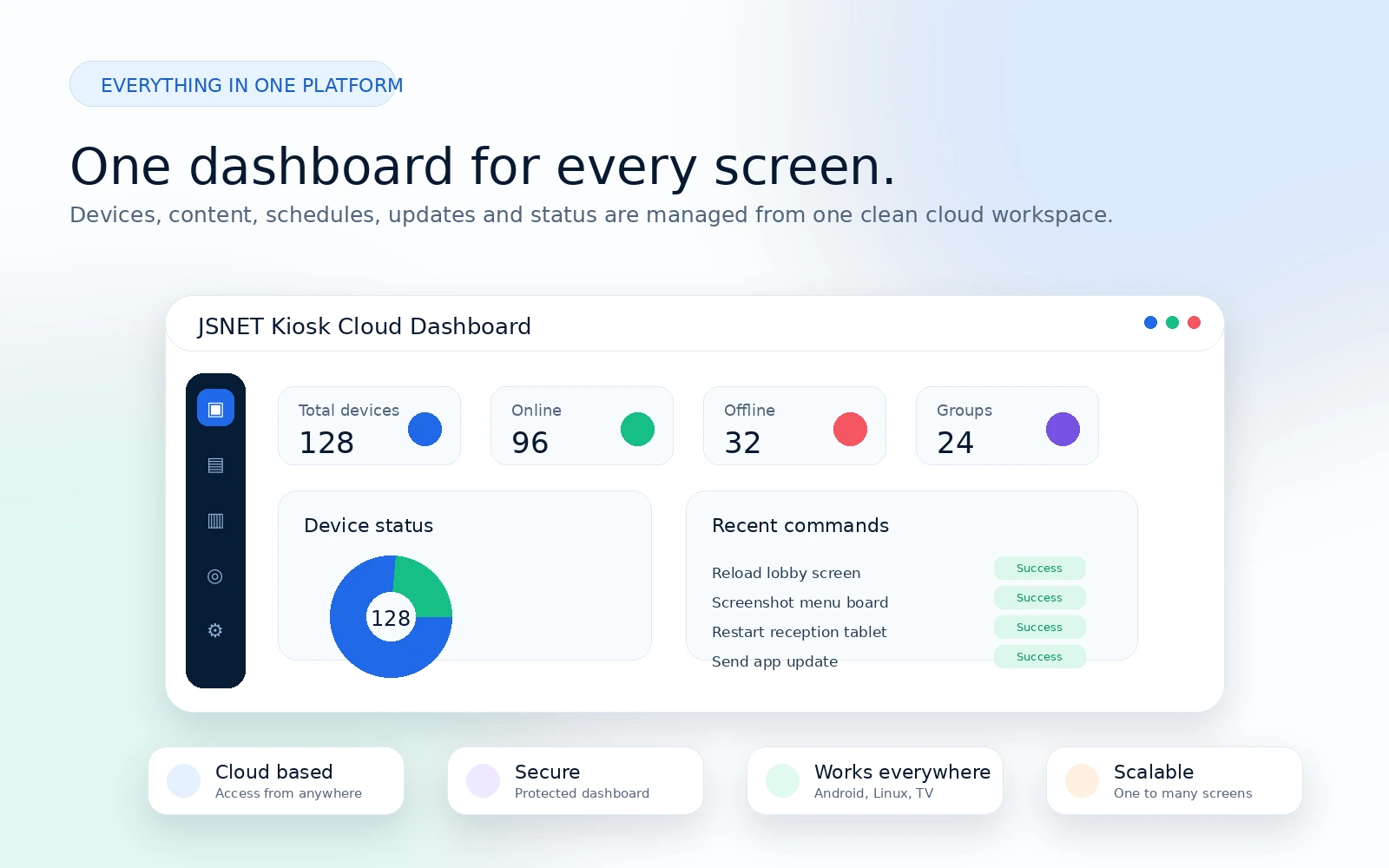
This page follows the same public website structure: kiosk app, device management, digital signage, remote commands, playlist scheduling and SaaS dashboard.
Business screens need content control, device status, remote support and reliable playback.
JSNET Kiosk workflow supports managed Android kiosk screens, Linux kiosk players and digital signage networks.
JSNET Kiosk workflow supports managed Android kiosk screens, Linux kiosk players and digital signage networks.
JSNET Kiosk workflow supports managed Android kiosk screens, Linux kiosk players and digital signage networks.
JSNET Kiosk workflow supports managed Android kiosk screens, Linux kiosk players and digital signage networks.
Pair the screen, assign content, schedule playback and monitor the device remotely.
Install JSNET Kiosk app or player
Pair the device with secure code
Add URL, image, video or playlist
Schedule content for location or group
Monitor status and commands
Use one platform for different business screen scenarios.
Move between product pages, use cases and comparison pages without leaving the main site structure.
Use JSNET Kiosk for Android kiosk deployments, Linux kiosk players, digital signage playlists, restaurant menu boards and remote screen networks.